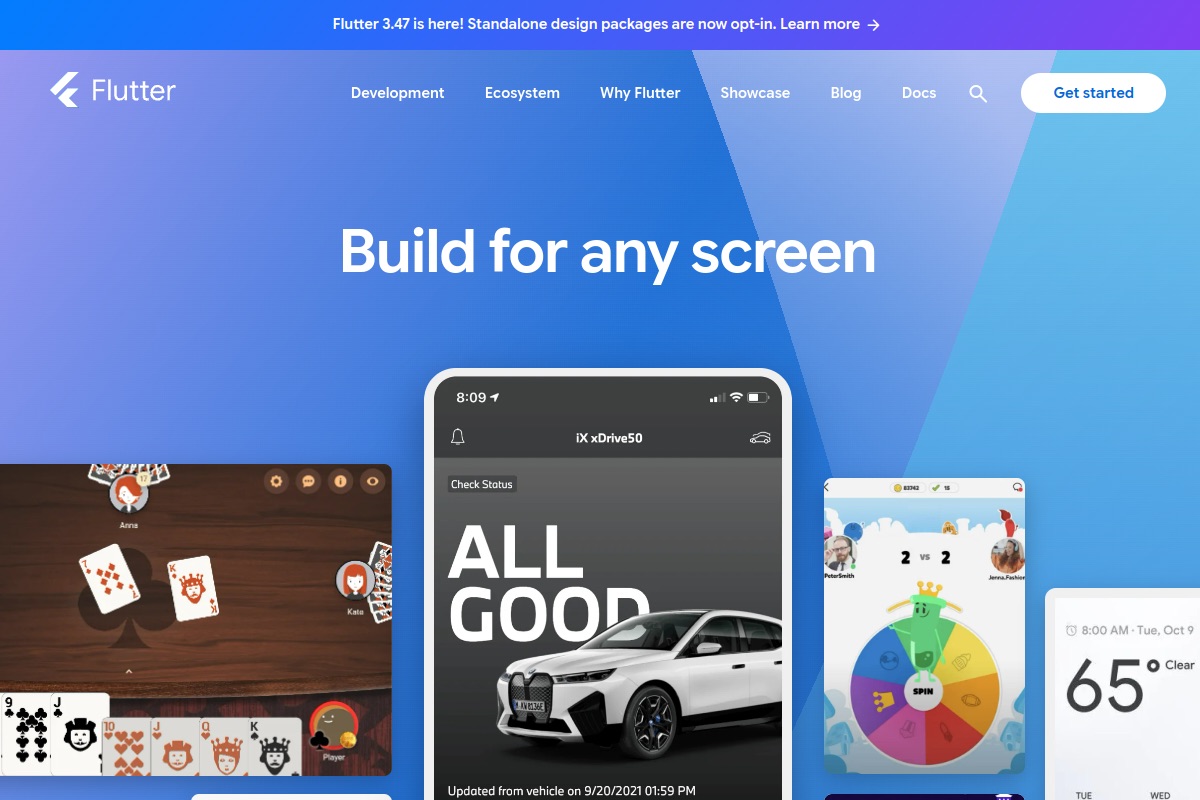
Flutter or React Native in 2026? Our decision framework covering team skills, performance, native features, web and desktop, hiring and longevity.
The short answer we give clients: choose React Native if your team already knows React and JavaScript or TypeScript, or you want to share code with a web app. Choose Flutter if you want pixel-identical, highly custom UI across platforms and are happy to invest in Dart. Both are mature, production-ready and backed by large companies. The decision rarely comes down to which is “better”. It comes down to your team, your design and your roadmap.
How they differ at a glance
| Factor | Flutter | React Native |
|---|---|---|
| Language | Dart | JavaScript or TypeScript |
| UI approach | Draws its own widgets with its own rendering engine | Renders real native platform views |
| Look and feel | Identical everywhere by default | Follows each platform’s native components |
| Web and desktop | iOS, Android, web, Windows, macOS, Linux from one codebase | Mobile first; web via React Native for Web, desktop via community and Microsoft-backed projects |
| Backed by | Meta, with a big community and Expo | |
| Hiring pool | Smaller, growing | Large, overlaps with React web developers |
Team skills come first
This is the factor that decides most projects. If you have React developers, React Native lets them ship mobile apps using concepts they already know: components, hooks, state management and the npm ecosystem. Business logic and TypeScript types can even be shared with a web front end. If you are starting from scratch with no strong front-end language, Dart is easy to learn, and Flutter’s tooling (hot reload, strong typing, a consistent widget system) makes new developers productive quickly. But a new language is still a cost, especially for hiring.
UI and design fidelity
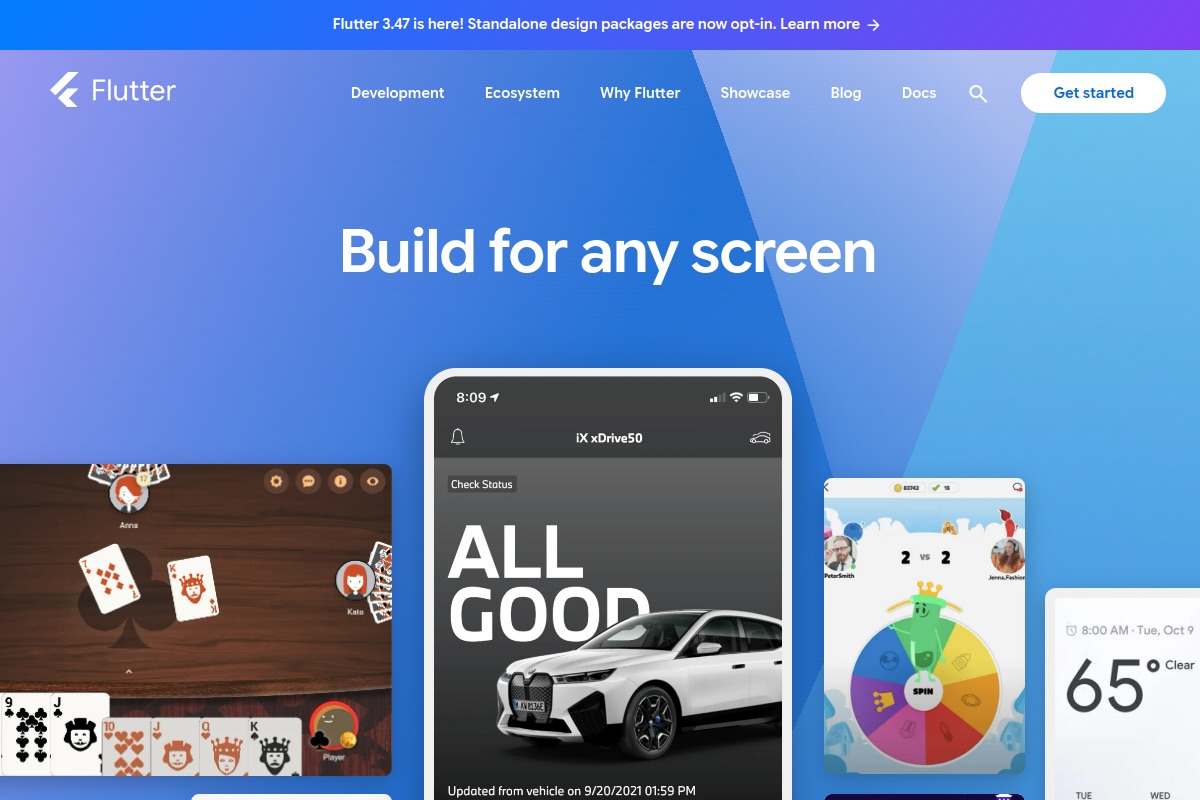
Flutter renders every pixel itself, so a custom-branded interface, complex animation or unusual layout behaves identically on iPhone, Android and desktop. That is a strong fit for design-led consumer apps. The trade-off is that platform-native controls are re-created rather than used, so the app can feel subtly different from system apps unless you deliberately adapt it.
React Native uses actual native views, so buttons, lists, text inputs and accessibility behaviours come from the platform. That helps apps feel native and inherit OS updates. The trade-off is that you will occasionally handle iOS and Android differences yourself.
Performance in the real world
Both frameworks can deliver smooth 60 fps interfaces for typical business apps: lists, forms, maps, chat, dashboards and payments. React Native’s modern architecture (the New Architecture with Fabric and TurboModules) removed much of the old asynchronous bridge overhead that earlier criticism was based on. Flutter compiles Dart ahead of time to native code and uses its Impeller renderer to reduce animation jank. In practice, performance problems usually come from unoptimised lists, oversized images, excessive re-renders or heavy work on the UI thread, not from the framework choice. Only very demanding cases, such as advanced 3D, real-time video effects or heavy games, call for a deeper look, and often for fully native code.
Native features and third-party packages
Camera, push notifications, biometrics, Bluetooth, background location and in-app purchases are available in both. React Native benefits from the huge JavaScript ecosystem and Expo, which simplifies builds, updates and native module management. Flutter has a curated package ecosystem on pub.dev, with strong first-party plugins. For niche hardware SDKs, check both ecosystems before committing: if a vendor ships a native SDK, either framework can wrap it, but someone must write and maintain that bridge.
Web and desktop
If you need iOS, Android, web and desktop from a single codebase, Flutter’s multi-platform story is more unified. Be honest about web, though: Flutter web suits app-like experiences and dashboards better than content-heavy, SEO-driven sites. If your web product is a React app, React Native plus shared logic gives you strong code reuse without forcing the web into a canvas-style renderer. For SEO-critical websites, we typically build the web front end separately with a proper web stack.
Hiring and longevity
React Native draws on the largest developer pool in front-end engineering, which makes hiring and replacing developers easier. Flutter’s community is smaller but very active and enthusiastic, and Dart specialists are easier to find than they used to be. On longevity, both are open source with major corporate sponsors and widespread production use, and neither is likely to disappear. The real risk is not abandonment, it is a codebase that falls behind on upgrades, so budget regular maintenance for either.
Our decision framework
- Do you already have React or TypeScript developers? Lean React Native.
- Is a highly custom, brand-led UI the product? Lean Flutter.
- Do you need web and desktop as first-class targets from day one? Lean Flutter, after checking the web fit.
- Do you need to share code with an existing React web app? Lean React Native.
- Do you need deep, unusual native hardware access? Prototype the hardest feature in both, or consider fully native.
If the answers are mixed, build a small proof of concept around your riskiest screen. A week of prototyping is cheaper than a wrong platform.
Frequently asked questions
Is Flutter better than React Native in 2026?
Neither is better in general. Flutter excels at consistent custom UI and multi-platform reach; React Native excels when you can reuse React skills and code.
Which is cheaper to build with?
The cheaper option is usually the one your team already knows. Learning a new language adds cost, so existing skills often outweigh framework differences.
Is React Native still fast enough after the New Architecture?
For typical business and consumer apps, yes. Most performance issues come from app-level choices rather than the framework.
Should I go fully native instead?
Only for very demanding graphics, hardware or platform-specific needs, or if you have separate iOS and Android teams. Cross-platform suits most products.
Planning a build and want a second opinion before you commit? Talk to our team. We will review your requirements and give you an honest recommendation, even if it is not the stack we would have sold you. You can also see our portfolio and the full range of services we offer.