A practical guide to building an AI client onboarding agent: what to automate, LLM extraction, integrations, guardrails, evaluation and cost.
The short answer: build an AI client onboarding agent as a narrow, supervised workflow with an LLM inside it, not as a free-roaming autonomous bot. The model reads messy documents and emails and turns them into validated, structured data. Deterministic code and a human approve anything that touches money, contracts or access. This guide covers the architecture we recommend, the tools involved and the pitfalls that catch most teams.
What to automate and what to keep human
Onboarding is a chain of small tasks: collect details, collect documents, check them, create accounts, schedule a kickoff, send a welcome pack, chase what is missing. Most of the time goes into waiting and chasing, not thinking, and that is where automation pays off.
| Automate | Keep human |
|---|---|
| Sending intake forms and reminders | Pricing exceptions and contract negotiation |
| Extracting fields from uploaded documents | Approving identity, compliance or credit decisions |
| Creating CRM records and project folders | Handling upset or ambiguous clients |
| Proposing kickoff call times | Scoping judgement calls and red-flag review |
| Drafting welcome emails and checklists | Final sign-off before anything irreversible |
A useful rule: let the agent prepare and propose, and let a person commit whenever an action is hard to undo.
The reference architecture
- Trigger. A signed proposal, a paid invoice or a CRM stage change fires a webhook.
- Intake. The client receives a short form and a secure upload link.
- Extraction. An LLM step reads documents and free-text answers into a fixed schema.
- Validation. Code checks the output; failures loop back to the client or a reviewer.
- Actions. Approved data creates the CRM record, folders, calendar invite and welcome email.
- Review and audit. Every run is logged, and low-confidence cases go to a human queue.
Intake forms and document collection
Do not ask an LLM to conduct the whole intake as a chat if a form will do. Forms give you clean, typed fields for free. Use the model for the parts forms are bad at: reading a scanned registration certificate, summarising a rambling project brief, or spotting that a client wrote a postcode in the wrong field.
Send each client a single upload link tied to their case ID, with a clear checklist of required documents. Store files in private object storage, never in email attachments, and keep a record of which required items are still missing. The agent’s reminder logic can then be simple code: if item X is missing after N days, send reminder Y.
LLM extraction with structured output and validation
This is the heart of the system, and the place where sloppy builds fail. Rules we follow:
- Define a schema first. Name every field, its type, whether it is required and what “unknown” looks like. Use your provider’s structured output or tool-calling feature so the model returns JSON matching that schema instead of prose.
- Allow null. Tell the model to return null when a value is not present. Models asked to fill a required field will sometimes invent one.
- Validate in code. Parse the JSON with a schema validator, then apply business rules: does the tax number match the expected format, is the date in the future, does the company name resemble the one on the contract?
- Quote the evidence. Ask the model to return the source snippet for each field. Reviewers can verify a value in seconds, and hallucinations become obvious.
- Retry once, then escalate. If validation fails, feed the error back for a single retry. If it fails again, route to a human rather than looping.
Integrations: CRM, email and calendar
Keep the agent’s tools small and explicit: create_contact, attach_document, propose_meeting_times, send_welcome_email. Each should take validated arguments and be idempotent, so a retry never creates a duplicate contact. Prefer official APIs and OAuth scopes limited to what the agent needs; a calendar integration that can only read free/busy and create events is safer than full account access.
Email deserves special care. Draft first, send after approval, for the first weeks of any deployment. Once you trust the drafts for a given template, you can move that one template to auto-send.
Orchestration: n8n or code
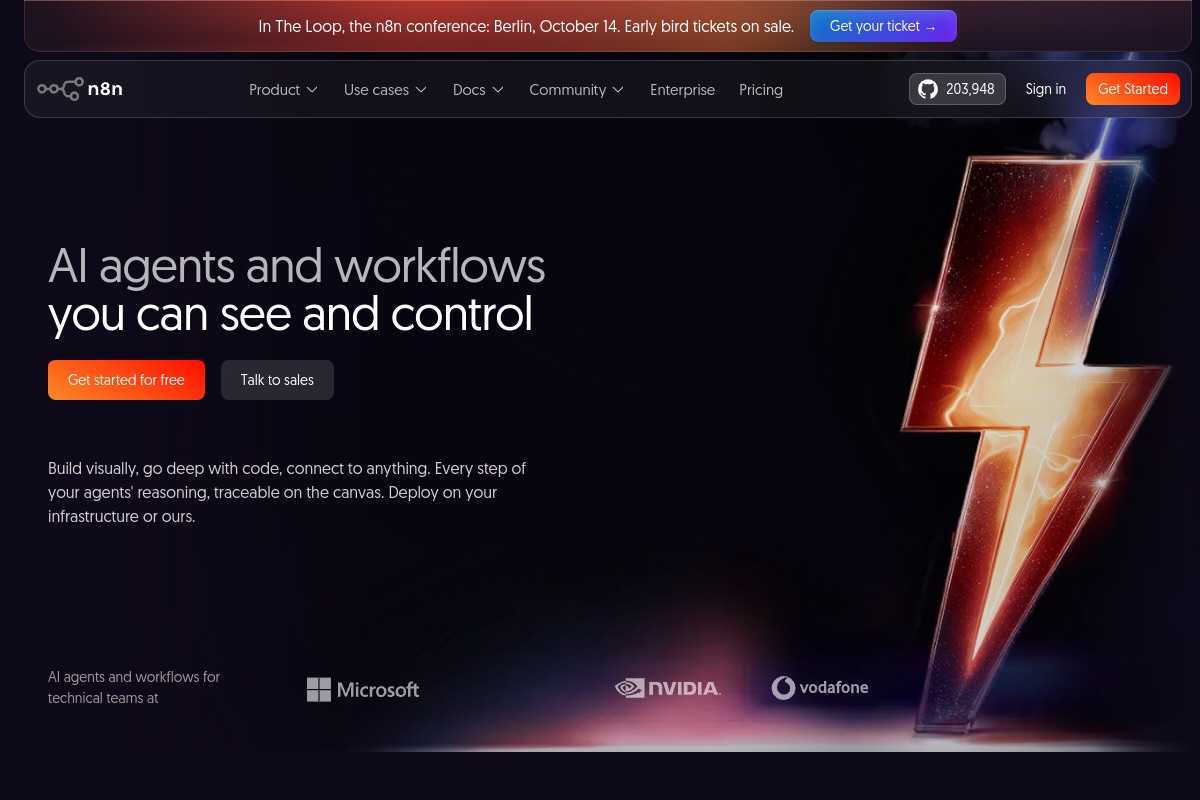
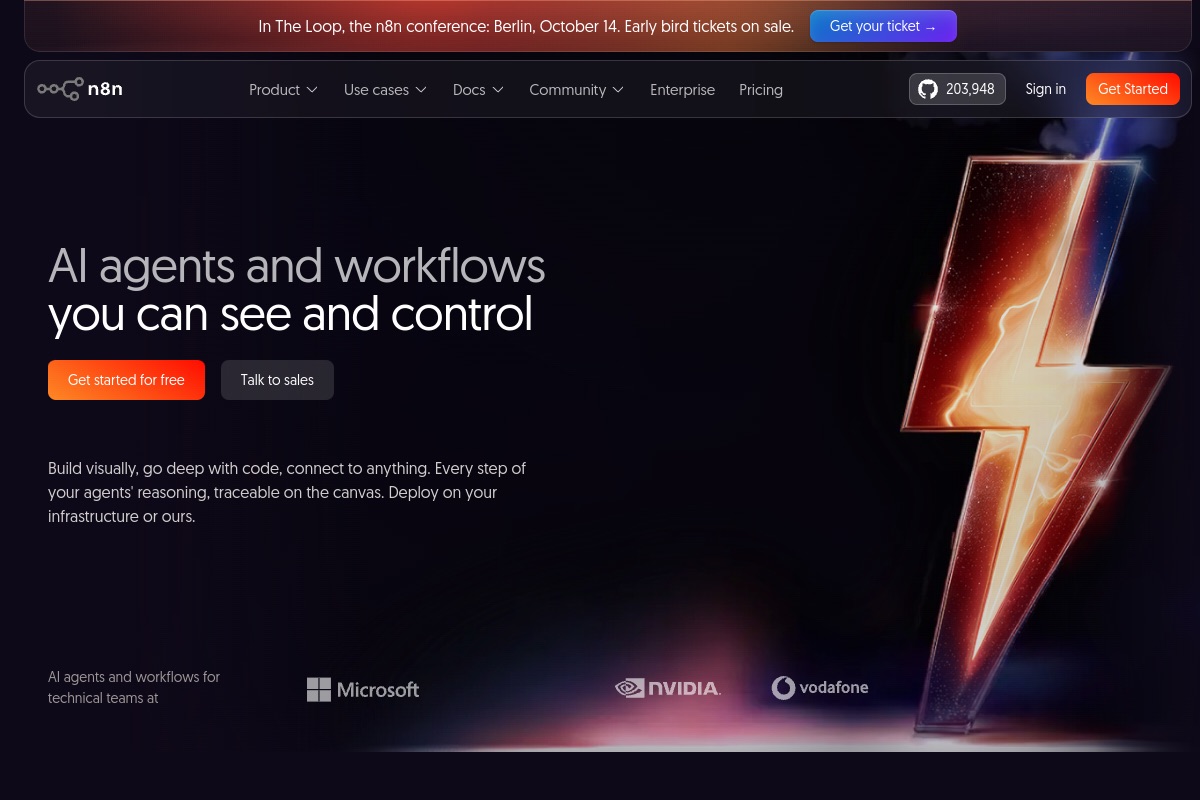
Both routes are legitimate. A workflow tool such as n8n gives you a visual canvas, hundreds of prebuilt connectors and quick iteration, which suits operations teams and simple flows. Custom code, whether in Laravel, Node or Python, gives you version control, unit tests, typed schemas and finer control over retries and queues, which matters when the workflow is core to your business.
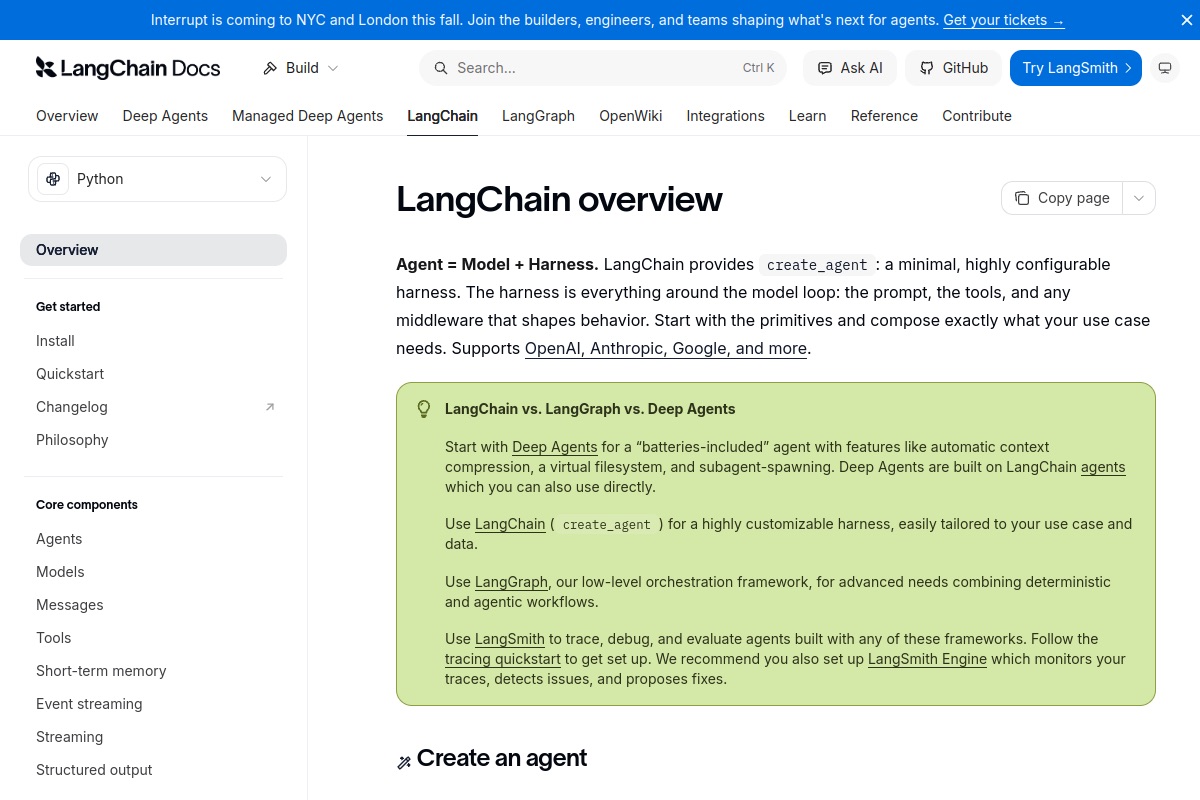
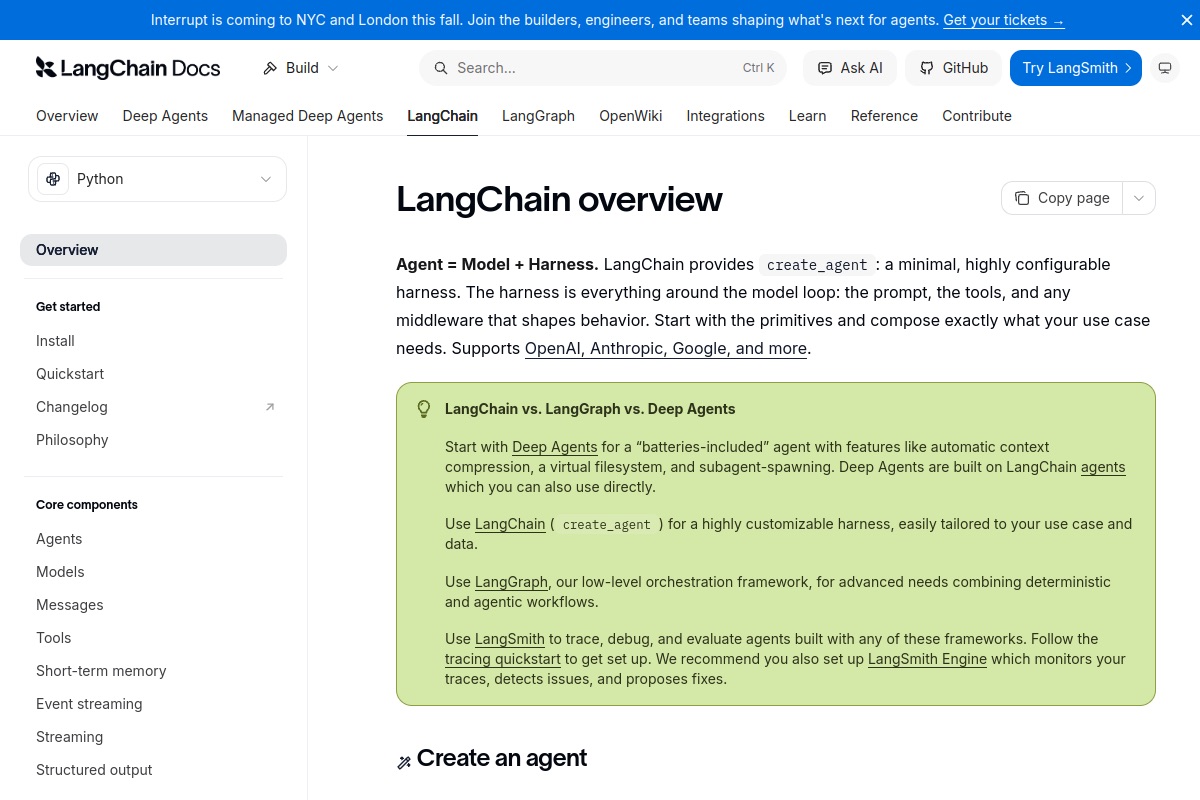
Our usual advice: prototype in a workflow tool to prove the process, then move the critical steps into code once the shape is stable. If you use an agent framework such as LangChain and LangGraph, keep the graph small; the fewer decisions the model makes, the more predictable the system is.
Guardrails and human-in-the-loop
- Least privilege. Give the agent only the tools and data scopes the workflow needs.
- Approval gates. Require sign-off before contract changes, payments, access grants and first-time outbound emails.
- Prompt-injection defence. Uploaded documents and inbound emails are untrusted input. Never let text inside a file instruct the agent to call tools; treat document content strictly as data.
- Confidence thresholds. Route low-confidence or conflicting extractions to a review queue.
- Privacy. Minimise the personal data sent to the model, check your provider’s retention terms and match your obligations under GDPR, UK GDPR or local law.
Evaluation: prove it works before you trust it
Build a test set from real (anonymised) past onboardings: documents plus the correct field values that a human recorded. Run the extraction over it every time you change the prompt, the model or the schema, and track field-level accuracy, not just an overall score. Add adversarial cases: blurry scans, documents in the wrong language, and files containing injected instructions. In production, sample a percentage of automated runs for human audit and track how often reviewers correct the agent. Rising correction rates are your early warning.
Cost: what actually drives it
We will not quote invented figures, because cost depends on volume and model choice. The real drivers are: pages per document, the model tier you use for extraction, how many retries you allow, and your hosting and workflow-tool plan. Practical levers: use a smaller model for classification and a stronger one only for hard extractions, cache repeated work, cap retries, and send only the relevant pages. Compare the running cost against the staff hours spent chasing documents; that is the number that decides the business case.
Common pitfalls
- Automating a broken process instead of fixing it first.
- Letting the model decide things that a rule could decide.
- Skipping validation because the demo looked accurate.
- No audit log, so nobody can explain what the agent did.
- Launching fully autonomous on day one instead of supervised.
Frequently asked questions
Can an AI agent fully automate client onboarding?
It can automate most of the repetitive work, such as forms, reminders, extraction and record creation. We recommend keeping a human approval step for contracts, payments and compliance decisions.
Should I use n8n or write custom code?
Use n8n or a similar tool to prove the workflow fast. Move to custom code if you need strict testing, complex retries, or the workflow is central to your product.
How do I stop the LLM from making up data?
Use structured output, allow null values, require source quotes, validate results in code and send failures to a human.
Is it safe to send client documents to an LLM provider?
It can be, if you minimise the data sent, review the provider’s data retention and training terms, use appropriate contracts and comply with applicable privacy law.
Planning a build and want a second opinion before you commit? Talk to our team. We will review your requirements and give you an honest recommendation, even if it is not the stack we would have sold you. You can also see our portfolio and the full range of services we offer.