Overview
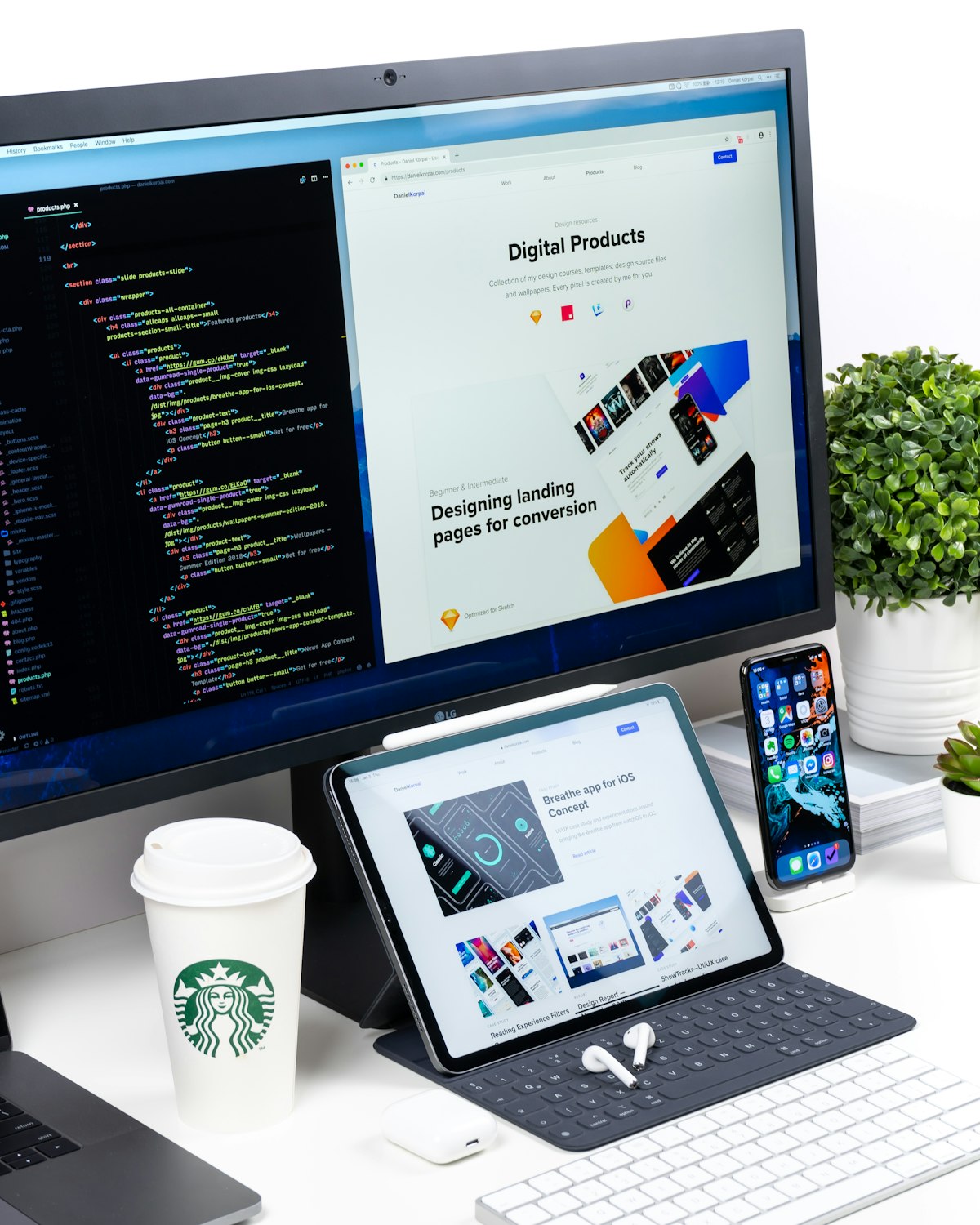
CloudSuite is a multi-device SaaS platform we designed and built to show how a business application can work properly on a desktop monitor, a tablet and a phone without turning into three products. It is aimed at B2B teams whose members change device through the day: a laptop in the office, a tablet on a site visit, a phone in a taxi.
The Challenge
Business tools are commonly built desktop-first and then squeezed onto small screens, leaving mobile users with a cut-down experience. The alternative, separate native apps, tends to drift out of step with the main product. B2B users notice quickly, since they expect the figure on their phone to match the figure on their desk. We needed one interface system that adapts to screen size while still letting each team arrange its own view.
Who Uses It and How
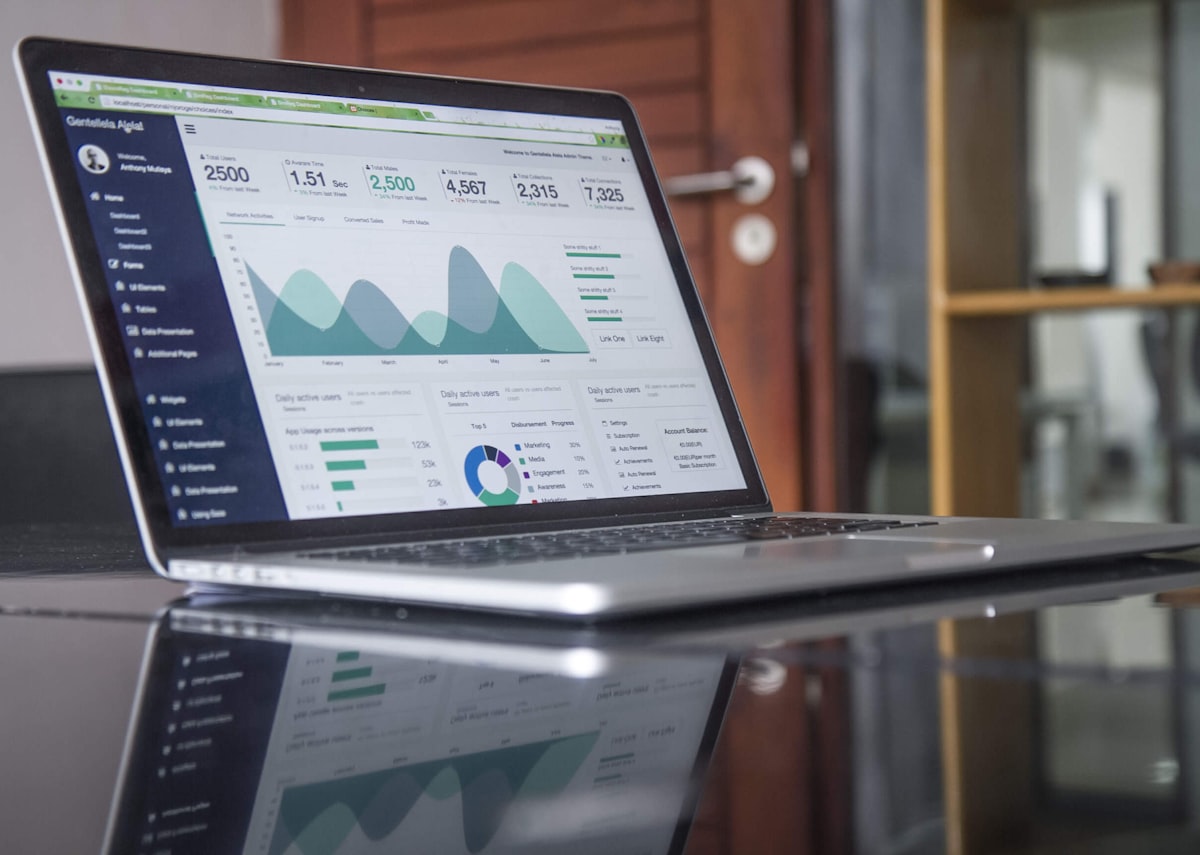
An operations manager starts at a desktop with several widgets open side by side: a trend chart, a task table and a summary of activity. At a client site she picks up a tablet, where the same dashboard condenses and touch targets grow. Later, on a phone, she checks the most important widget and approves an item.
Team administrators decide which widgets are available and what each role may see. Individual members rearrange their own layouts. New starters benefit from consistent patterns, so learning the tool on one device carries to the others.
Our Approach
We treated the design system as the foundation. Spacing, type, colour tokens and components were defined once with explicit rules for how they reflow at each breakpoint. Every dashboard panel is a self-contained widget with its own data and layout behaviour, so one widget can be a wide chart on a monitor and a compact card on a phone. Content priority, not screen size, decides what moves first.
What We Built
The main dashboard is a grid of movable, reorderable widgets. On large screens many sit side by side, on tablets the grid condenses, and on phones it becomes a single column with the most important content first. Navigation changes form by device, a full sidebar on desktop and a compact bar on mobile, while destinations and labels stay identical.
Architecture and Data
The front end is a library of typed components consumed by the dashboard shell. Each widget declares the data it needs and requests it from a single Node.js API, so every device reads from the same source of truth. Layout preferences are stored per user and per team, letting an arrangement follow the person from one device to another. Widgets load independently, so one slow query does not block the page.
Security, Privacy and Quality
Multi-tenant SaaS raises the question of separation: one customer's data must never appear in another's dashboard, so tenant scoping is enforced on the server, not in the interface. Role-based permissions decide which widgets and actions are available, and sessions should behave sensibly across devices, including sign-out and expiry. Quality work focuses on the responsive matrix: we test each breakpoint, orientation changes on tablets, touch versus pointer input, and accessibility features such as keyboard navigation, focus order and colour contrast. Type checking catches many component contract mistakes before they reach a browser.
Technology
React fits a widget-based interface, since each panel is a component with clear inputs. TypeScript adds type safety across the component library, where a shared design system benefits most: a change to a component contract is caught at build time. Node.js serves the API used by every device.
Outcome
CloudSuite gives B2B teams one product that follows them from desk to phone, with layouts they can tailor and behaviour they can predict. A single design system and codebase means new features reach every device together.
Frequently asked questions
How much does it cost to build a responsive SaaS dashboard?
Cost depends on the number of widget types, how customisable layouts must be, the authentication and multi-tenant model, and how much data integration sits behind it. A well-built design system costs more at the start but lowers the cost of every later feature.
Should a SaaS product have a separate mobile app or a responsive web app?
A responsive web app is faster to build and keeps every device in step. A native app is worth considering if you need offline use, push notifications or deep device features. Many products begin responsive and add native later.
What is a design system and why does a SaaS product need one?
It is a shared set of tokens, components and rules that make every screen look and behave consistently. For SaaS it speeds development, reduces visual drift and makes accessibility easier to maintain.
Highlights
- One design system across desktop, tablet and mobile
- Modular widgets teams can move and reorder
- Navigation that adapts to the device, with the same destinations
- Layout preferences that follow the user between devices
- Typed React component library in TypeScript
- Node.js API as a single source of data