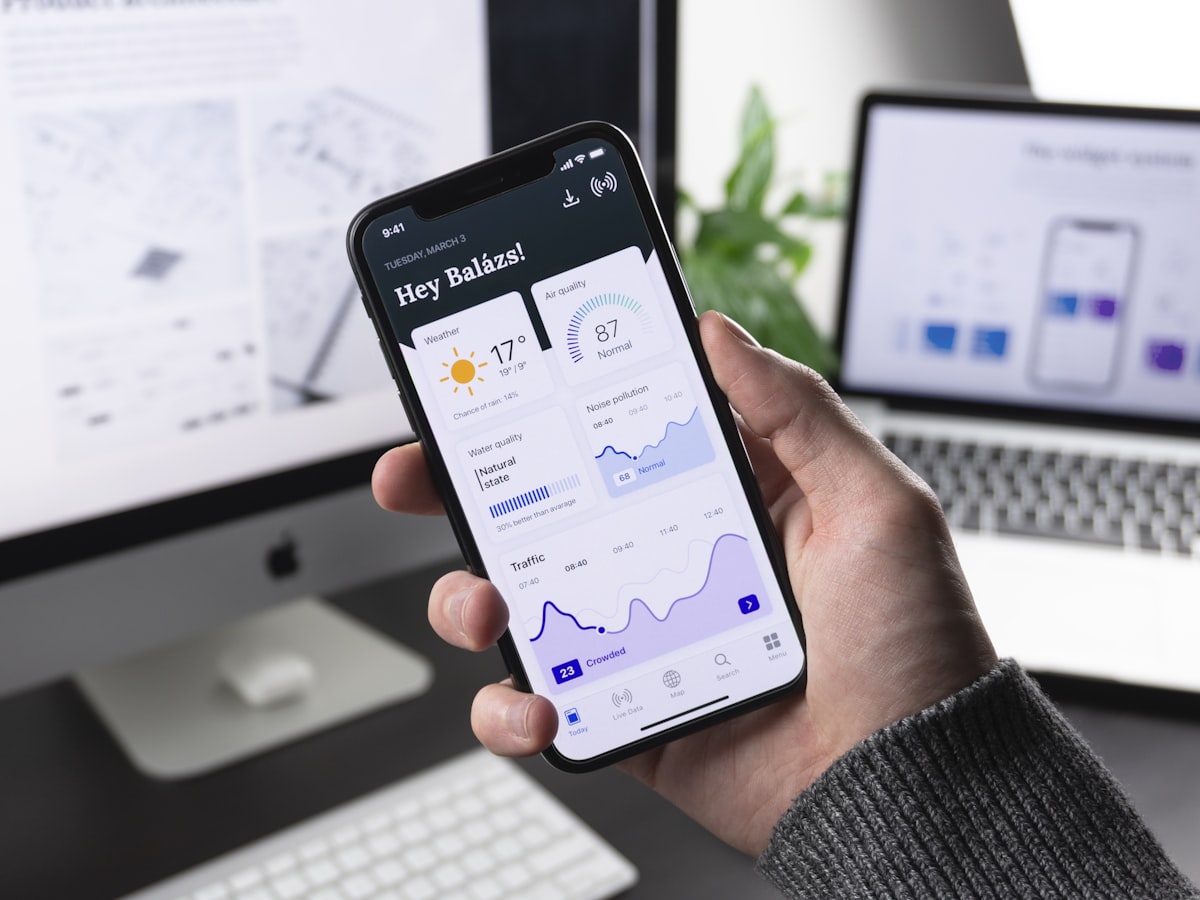
Overview
FinTrack is a personal finance product we designed and built for people who want to understand where their money goes. It combines expense tracking and budget management in one mobile dashboard, with charts that make spending patterns visible at a glance.
The Challenge
Money apps ask for trust and attention together. Users hesitate to enter financial details into something that looks unreliable, and they abandon anything that turns budgeting into paperwork. The app had to look credible, record an expense in a moment and return useful answers, such as which categories take the biggest share of spending, without forcing users to interpret raw tables.
Who Uses It and How
A person adds a coffee or a grocery shop right after paying, choosing a category. At the end of the week they open the dashboard to see where the money went, and around payday they set or review limits for categories such as food, transport and entertainment. A couple or a household might want a shared view later. There are no administrators in the consumer version; each user owns their data.
Our Approach
We chose to lead with the outcome rather than the input. The dashboard opens on a spending summary and breaks it down by category with charts, so a pattern is recognisable without reading figures line by line. Entry is brief so that it survives a busy day.
Visually, the app follows a calm, clean fintech language with clear hierarchy and restrained colour, because a finance product should look composed. Flutter allowed custom charts and identical interfaces on both platforms, and Firebase handles sign-in and per-user records.
What We Built
The main dashboard summarises expenses and budgets, with category breakdowns in visual charts. Users add expenses under categories and see totals and charts change immediately. Budget views compare spending against the limits people have set. Data is stored per user in Firebase, so history follows the account to any device they sign in on.
Architecture and Data
Entities are users, categories, expenses with an amount, date and note, and budgets with a limit per category and period. Amounts are best stored as whole numbers in the smallest currency unit to avoid rounding errors, with currency recorded alongside. Dashboard totals are aggregated from expense records, and budget progress compares those totals against limits for the current period. Firebase access rules tie every document to its owner. Recurring expenses, receipt photos and bank connections through an aggregation provider are natural later additions.
Security, Privacy and Quality
Even without bank connections, spending records reveal a lot about a person's life, so they sit behind authentication, are encrypted in transit and are readable only by their owner. Users should be able to export or delete their data. The app is a tracking tool and does not give financial advice. If bank linking is added, a regulated provider should handle credentials. Testing focuses on calculation correctness, budget period boundaries, currency formatting, chart accuracy with very small or very large values, and consistent display on both platforms.
Technology
Flutter's custom drawing and animation tools are well suited to chart-heavy screens, and one codebase means both platforms present spending the same way. Firebase provides authentication and per-user storage without the burden of building a backend.
Outcome
FinTrack gives users a clear view of their spending and a way to keep it within a budget. Categories and charts turn a long list of transactions into understandable information, and the composed style supports the trust a finance product needs.
Frequently asked questions
How much does it cost to build a budgeting or expense tracker app?
The main drivers are whether the app connects to bank accounts, how much automation and reporting it includes, multi-currency support, shared budgets, notifications and security requirements. A manual-entry tracker with charts is much smaller than an app that syncs transactions from banks.
Should a budgeting app connect to bank accounts?
It makes tracking automatic but adds cost, regulatory considerations and privacy responsibilities, and it depends on an aggregation provider. Many products start with manual entry and add bank connections once the core experience proves useful.
How do finance apps avoid rounding errors?
They store money as integers in the smallest unit, such as cents, instead of decimals with fractions. Formatting happens only when amounts are displayed, so sums stay exact.
Highlights
- Expense tracking with a budget dashboard
- Category-based spending breakdown shown in charts
- Clean, trustworthy fintech visual design
- Per-user cloud storage with Firebase
- Same Flutter app on Android and iOS