Overview
SmartTrackerz sells compact, cellular-connected tracking devices for vehicles and assets, and its iPhone app is how customers see what those devices report. We designed and built the app in Swift and published it on the App Store. It is aimed at fleet managers, small businesses and individual owners who need to know where their equipment is and whether anything unexpected has happened to it.
The Challenge
Tracking hardware is only as useful as the software in front of it. The devices produce a stream of signals, including location, movement, door status, speed and tampering events, and the app has to turn that into something a busy person can act on. A customer might own a single trailer or a whole fleet. The first-time experience matters as well: someone who has just received a device should be able to get from opening the app to seeing it on a screen without instructions.
Our Approach
We structured the app in three layers of detail. Onboarding gets a new user set up and connected. A dashboard gives the summary across all tracked items. A device list then leads into each individual unit and the insights for it. We kept the visual language deliberately consistent, using a teal brand identity through the interface and every store screenshot, so the app and its listing feel like one product. Native Swift was the right choice for smooth maps, dependable notifications and long-running location updates.
What We Built
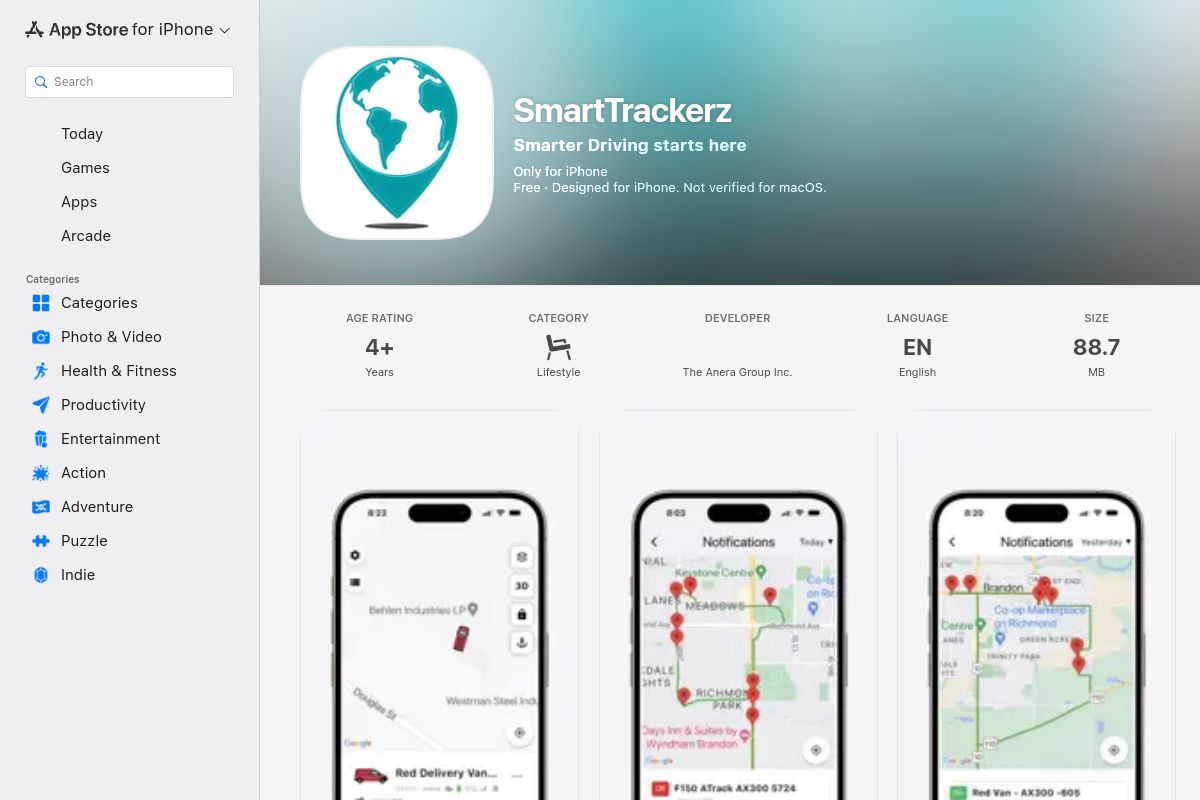
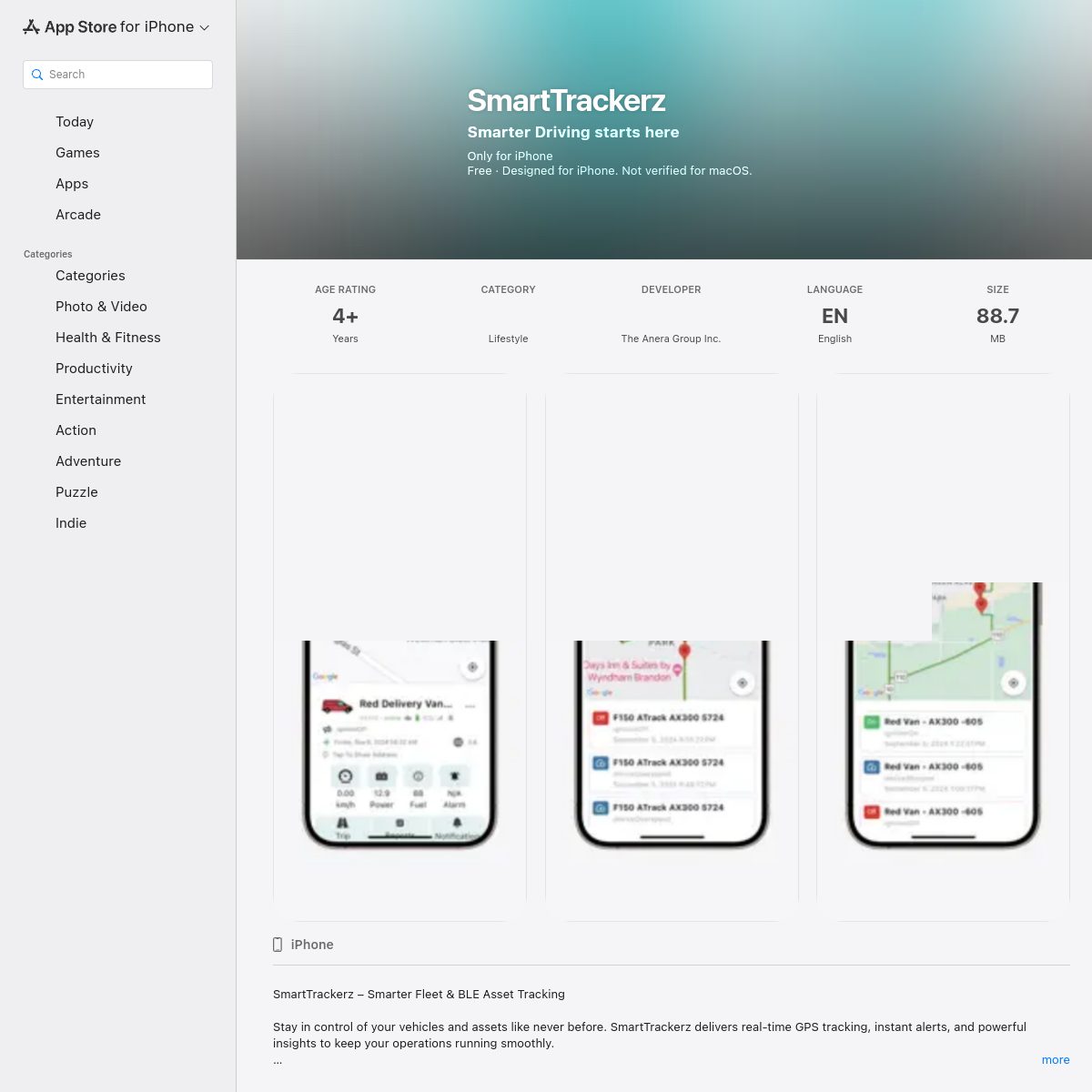
The app opens with an onboarding sequence, then lands on a dashboard summarising the fleet. The device list shows every tracker with its state, and each device has detail views covering live position, speed, acceleration, temperature and tamper detection. Park mode alerts warn the owner if a vehicle or asset moves when it should not. Status monitoring surfaces doors and movement, so changes in condition are visible without going looking for them. Location updates arrive frequently enough to follow a moving vehicle in near real time. We also prepared the App Store presentation, with an onboarding, dashboard and device-list screenshot set in the brand colours.
Technology
Swift and native iOS frameworks handle map display, push alerts and background updates with the reliability tracking demands. The app reads device data from the company's tracking back end and keeps its own footprint small. Its store listing states that the developer collects no data from the app, which reflects a deliberately minimal client design.
Outcome
SmartTrackerz customers have a straightforward mobile companion for their tracking devices: set it up, see everything on one dashboard and be warned when something moves or changes. The company gains a published iPhone app with a consistent identity, and a base that can take on new device types and insights over time.
Highlights
- Live iOS app on the App Store
- Onboarding, dashboard and device-list screens
- Park-mode movement alerts and device status insights
- Speed, acceleration, temperature and tamper information per device
- Consistent teal brand identity across app and listing