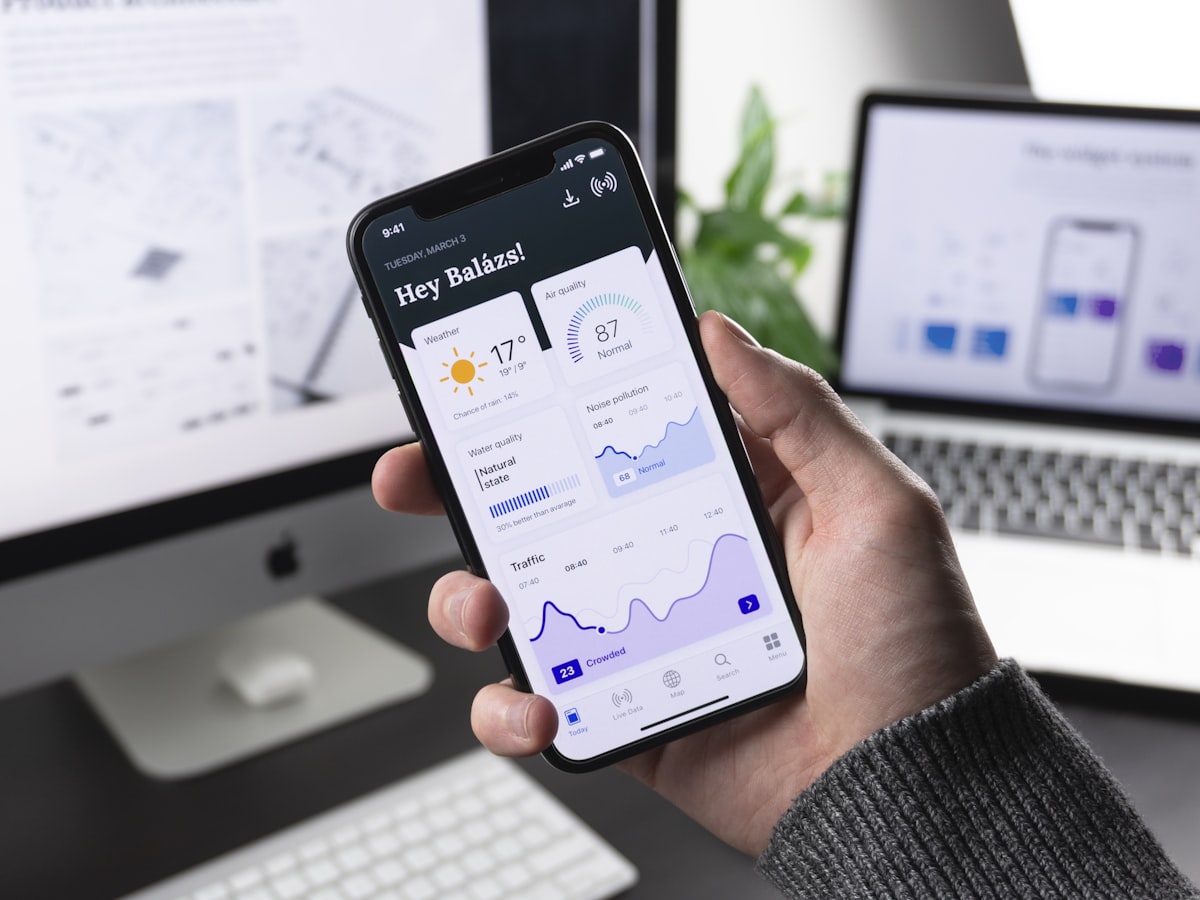
Overview
TripScout is a destination discovery and trip booking app we designed and built as a product. It is for travellers who open an app with only a rough idea, a place or a season, and want concrete options fast. The home screen is organised around that moment, putting search and popular destinations ahead of everything else.
The Challenge
Travel apps have a habit of overwhelming people with forms, filters, promotional banners and long lists before a destination has even been chosen. The first screen had to do real work: help the undecided browse, help the decided search, and still leave room for the seasonal promotions that a travel business depends on, all without looking crowded.
Who Uses It and How
An undecided traveller taps a popular destination and explores from there. A planner who already knows the city types it into search and moves toward dates and options. A returning customer wants their profile and earlier activity to be there. On the business side, a marketing manager changes campaign banners ahead of school holidays or peak seasons, and a content administrator maintains which destinations appear as shortcuts. Neither should need a developer or an app store release for those changes.
Our Approach
We treated the hero area as the most valuable space and put location search inside it instead of behind a tab. Beneath it we placed single-tap shortcuts to popular destinations, so browsing takes no typing.
Campaign banners were given their own clearly separated place, meaning promotions can change without displacing search. Technically, Flutter keeps Android and iOS visually identical, Firebase manages accounts and content, and Google Places supplies accurate, familiar place suggestions so we do not maintain a geographic database.
What We Built
The home screen combines a hero search field, a row of destination shortcuts and rotating seasonal banners. As the user types, Places suggestions appear, and selecting one carries them into the trip and booking flow. Profile data and the content behind banners and shortcuts live in Firebase, so marketing refreshes the app by editing data.
Architecture and Data
Entities are users, destinations, banners, saved searches and bookings. The banner and destination collections are read at launch and cached so the home screen appears quickly, with an ordered list and optional start and end dates controlling what shows when. Place lookups go to the Google Places service as the user types, ideally with a short pause between keystrokes and a session token so requests are grouped sensibly and remain economical.
Security, Privacy and Quality
Places calls should use API keys restricted to the app, and quota alerts guard against surprise usage. Traveller data such as names, passport details and itineraries is sensitive, so it is collected only at the point it is needed and kept behind authentication and access rules. Location permission, if used to suggest nearby places, is requested with a clear explanation.
Technology
The Google Places API earns its place because destination search must cope with the many ways people spell and describe places, and a maintained service does that better than any list we could ship. Flutter maintains one interface for both platforms, and Firebase covers authentication and cloud data with little operational effort.
Outcome
TripScout gives a travel business an app whose first impression already nudges the user toward a booking. Content is driven from the backend, so the app can follow the travel calendar without rebuilds, and the design treats discovery and promotion as parts of one experience.
Frequently asked questions
How much does it cost to build a travel booking app?
Cost depends mostly on what sits behind the booking button: connecting to airline, hotel or tour suppliers, taking payments, handling changes and cancellations, and building an admin panel. Design polish, number of languages and platforms also matter. A discovery-first front end is much lighter than a fully integrated booking engine.
What is the Google Places API used for in a travel app?
It provides autocomplete suggestions and details for cities, landmarks and addresses as the user types. That saves you from maintaining your own place database and helps travellers find locations even if they misspell them. Usage is metered, so the integration should be designed with request volume in mind.
Can I change promotions in a travel app without an app store update?
Yes, if banners and shortcuts are stored as data in the backend instead of being built into the app. The app reads the current content when it opens, so a marketing team can schedule seasonal campaigns without releasing a new version.
Highlights
- One-tap popular-destination shortcuts
- Location search built into the hero area
- Seasonal campaign banners for promotions
- Google Places suggestions for destination lookup
- Consistent Android and iOS experience from one codebase