Overview
WealthLane is a personal investment tracking app for iOS that we designed and built as a product. It shows a user's portfolio value, individual holdings and performance in a dark interface inspired by professional trading desks. The audience is individual investors who want a clear picture of where they stand without opening several brokerage screens.
The Challenge
Investment data is dense. Values change, positions multiply, and the number that matters most, how the portfolio is doing, can be buried under menus. Many personal finance apps either oversimplify to the point of being useless or overwhelm the user with tables. The product needed to answer the first question an investor asks on opening the app, which is simply how things are going, and then let them dig into detail without losing their bearings.
Who Uses It and How
A self-directed investor checks the app briefly several times a day, usually looking at total value and whether it moved. A more active user opens holdings to see which position is driving the change. Someone with more than one account wants to look at each separately or combined. The team behind the product manages the data services that supply positions and history, and looks after accounts and support requests.
Our Approach
We designed from the first screen backwards. Performance charts appear first, because that is the reason most people open the app, and holdings and detailed values sit one step beneath. Visually we chose a dark, trading-desk-inspired language: dark backgrounds reduce glare, make coloured gains and losses stand out and give the app a serious tone appropriate to money. Investors also view their accounts in different ways, so we introduced multiple dashboard themes for different account views instead of forcing one layout on everyone.
What We Built
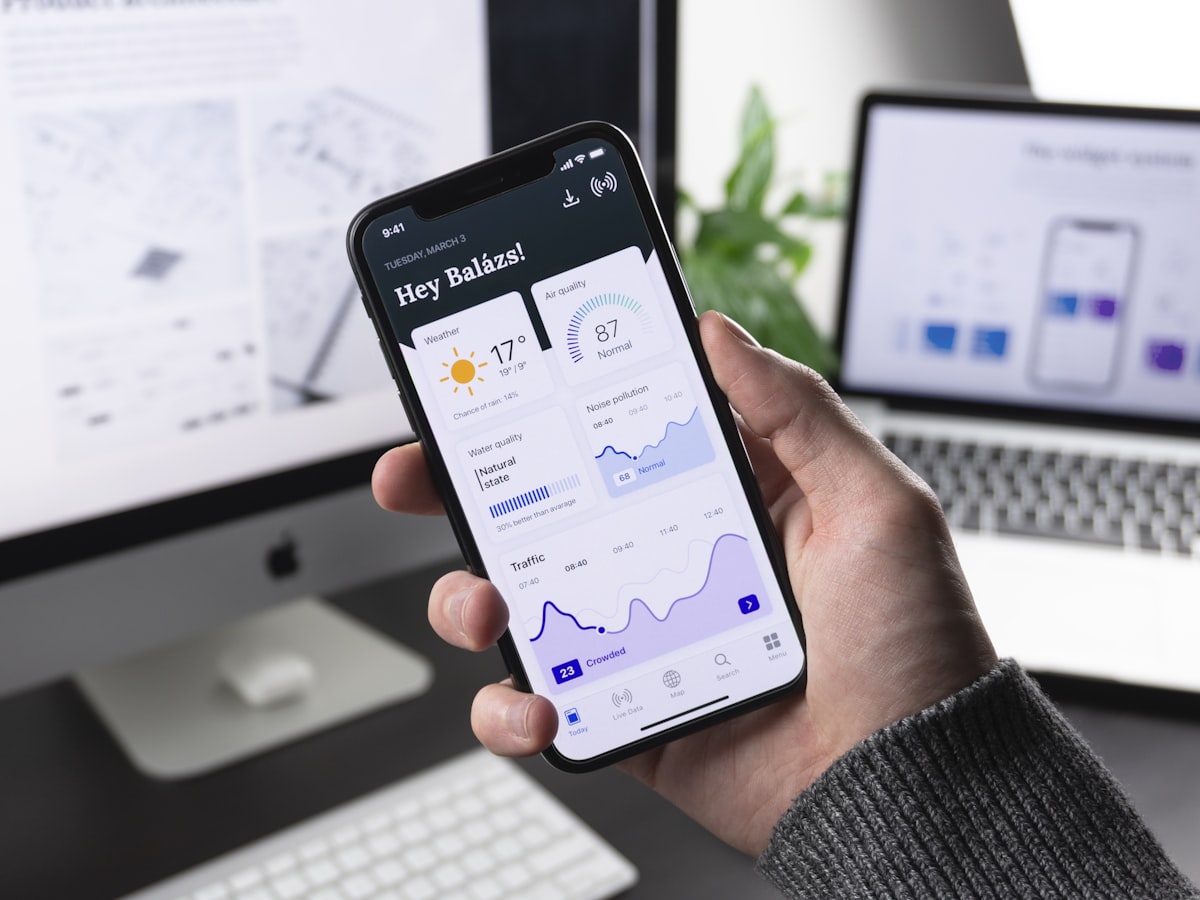
The dashboard presents total portfolio value, a chart of performance over time and a list of holdings with their individual figures. Charts are prominent and readable at a glance, and the colour treatment clearly differentiates movement. Users can switch dashboard themes to suit the account or the kind of view they want, whether a high-level summary or a closer look at positions.
Architecture and Data
A Node.js service exposes the data to the app and PostgreSQL stores accounts, holdings and history. Relational storage suits financial records, because consistency between related tables such as accounts, positions and price history is essential and time-series queries for performance stay straightforward. Monetary values should be stored as exact decimals or integer minor units, never floating-point numbers, so totals do not drift through rounding. The app caches the most recent snapshot locally so the dashboard appears immediately and refreshes in the background, and it should show clearly when data was last updated, since stale prices can mislead.
Security, Privacy and Quality
Financial data is highly sensitive. The app should authenticate users securely, with biometric unlock through Face ID or Touch ID as an option, keep tokens in the iOS Keychain and communicate only over HTTPS. We tested calculations against known figures, checked colour choices for people with colour-vision deficiency so gains and losses are not distinguished by red and green alone, and verified behaviour with slow or missing connectivity.
Technology
SwiftUI lets us build a fluid, native interface, with charts, animation and theme switching handled declaratively, and keeps the app consistent with iOS conventions. Node.js provides a flexible API layer, and PostgreSQL offers the transactional integrity that investment data calls for.
Outcome
WealthLane gives investors a focused view of their holdings that leads with performance and stays readable under a dense data load. The themed dashboards let users adapt the presentation to their own habits, and the backend design gives a dependable base for adding further data sources and analysis features.
Frequently asked questions
How much does it cost to build an investment tracking app?
Cost depends on the data sources you need, whether users connect brokerage accounts or enter holdings manually, the charts and analytics, authentication and security requirements, and platforms beyond iOS. Regulatory review may also apply. We scope after understanding which data you will use.
Is it safe to store financial data in a mobile app?
It can be, if credentials are held in the device Keychain, all traffic is encrypted, the backend is secured and only necessary data is kept. Access to market data or accounts also carries licence and privacy obligations.
Should an investment app use a relational database?
For accounts, holdings and history, generally yes. Relational databases such as PostgreSQL enforce consistency between related records and make historical queries reliable.
Highlights
- Dark, trading-desk-inspired visual language
- Multiple dashboard themes for different account views
- Performance charts shown first when the app opens
- Portfolio value and holdings in a single view
- Native SwiftUI client backed by Node.js and PostgreSQL